A little game. A warmer hello.
Learn the names. Feel at home.
A friendly little face-and-name game for the families in your class, team or group.
Tap-only · No scores or timers · Stored family data in the EU
Meet a face
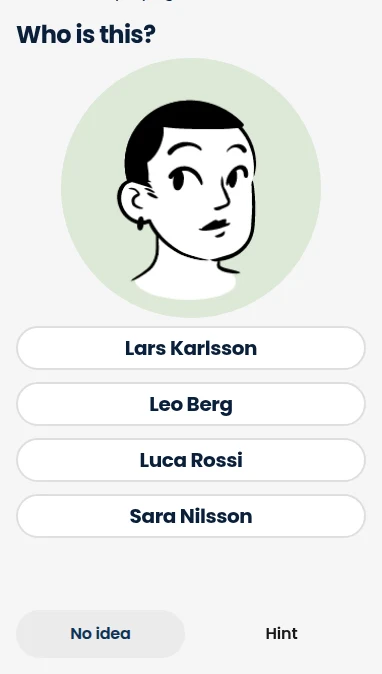
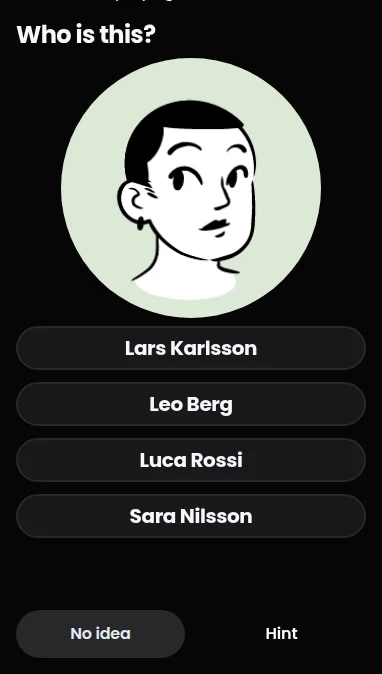
Make a connection
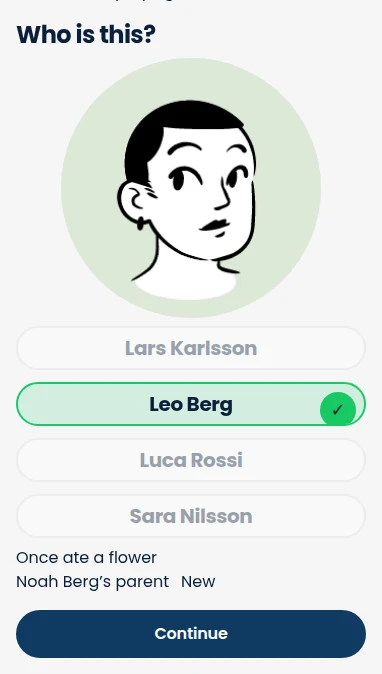
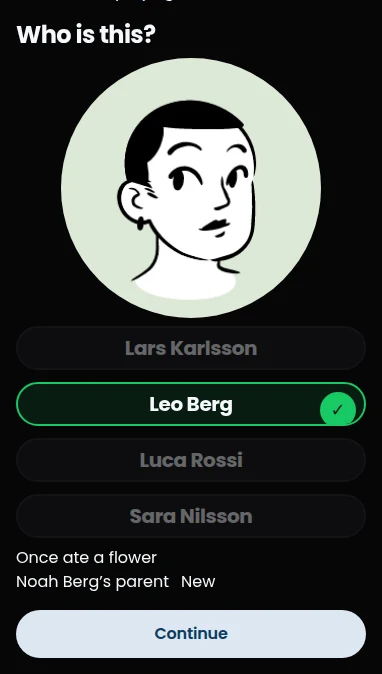
The real game, shown with fictional families.
For the people you see every day
Classes · Clubs · Teams · Neighbourhood groups
Grown-ups first. Kids around 6+ can play too.

A familiar name. A warmer hello.
How it works
From “hi… you!” to a proper hello.
Step 1
Get an invitation
Your group shares an invite link or code. There is no public sign-up: you play with your own group.
Step 2
Make your profile
Add your name, a photo and a little fun fact. A grown-up can add the kids too.
Step 3
Meet, then play
Match faces and names in calm, short rounds. Kids can play on their own device, paired by a grown-up — no kid account or password.
Small taps. Names that stick.
Made for real life, not another thing on your to-do list.
A little today. Remember tomorrow.
Spaced repetition quietly brings faces back when it’s time to practise. Fun facts give each name a story to stick to.
One game for the whole family
Big faces, big choices, just taps. Pair a kid’s own device with a QR or short code: no kid account, no password.
No pressure. Really.
No scores, timers, leaderboards or broken streaks. “No idea” is always a perfectly good answer.
Private to your group
Photos are private to your group and unlock when you add your own. Stored family data stays in the EU. Sign-in services can process data outside the EU.
Four languages. One friendly game.
English, Swedish, Spanish and French. Choose the language that feels like home.
Easy on the eyes
Light and dark mode, generous tap targets and layouts that wrap when you make the text bigger.
Learning, not testing
Kind by design
No scores, rankings or timers. Forgetting a name is normal. Take your time, try again, and get to know each other.
Your progress is yours. Other families and the group admin can’t see it. Grown-ups can see their own kids’ progress.
FAQ
Good questions. Simple answers.
Who can join?
Grown-ups join with a group invite code or a partner’s single-use family link. There is no open sign-up. A grown-up adds the kids; kids never sign up themselves.
What can kids see on a paired device?
They can play as themselves and browse the group’s family index, including photos, names and fun facts. They can add their own fun fact, but cannot switch players or open settings, family management or admin tools.
What data is stored, and where?
Sign-in details, family profiles (names, photos and fun facts), paired devices, private progress and learning logs. Stored family data is in the EU. Firebase Auth, Hosting’s CDN and sign-in providers can also process data outside the EU. There are no analytics or crash-reporting SDKs in the app.
Can I create a group?
Not yet. For now, the NameGOAT owner sets up the pilot group and its invite code by hand. Grown-ups already in that group can share its current invitation; the admin can reset the code if needed.
Which languages can I play in?
English, Swedish, Spanish and French. Each player can use the language that suits them on their device.
Can I delete my account?
Yes, in Settings or on the account-deletion web page. You sign in again to confirm. Your sign-in, profile, photo, progress and learning log are deleted. Kids stay if another grown-up remains in the family; otherwise you add a grown-up first or explicitly delete the kids too.
Your next hello starts here.
Got an invitation? Meet the people who make your group feel like home.